
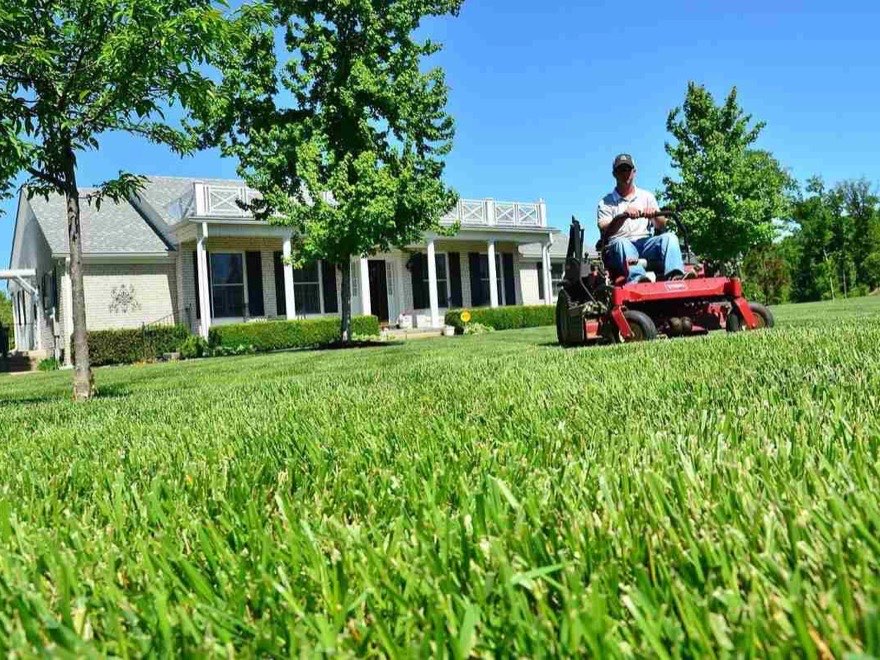
 Lawn care
Weekly and biweekly cuts, two crews, and a rain-day button that moves what's left.
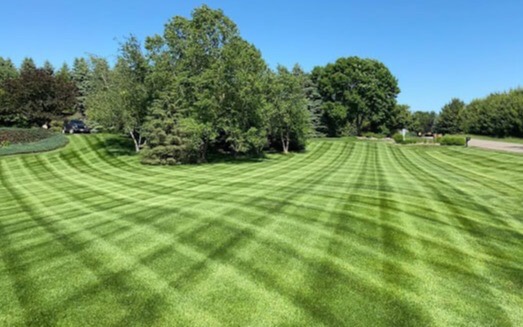
RoundOps puts every property on a day and a crew, times each route with real road driving, and gives every crew a Today page they can't get lost in. Built by a landscaper who runs 150+ properties a week on it.
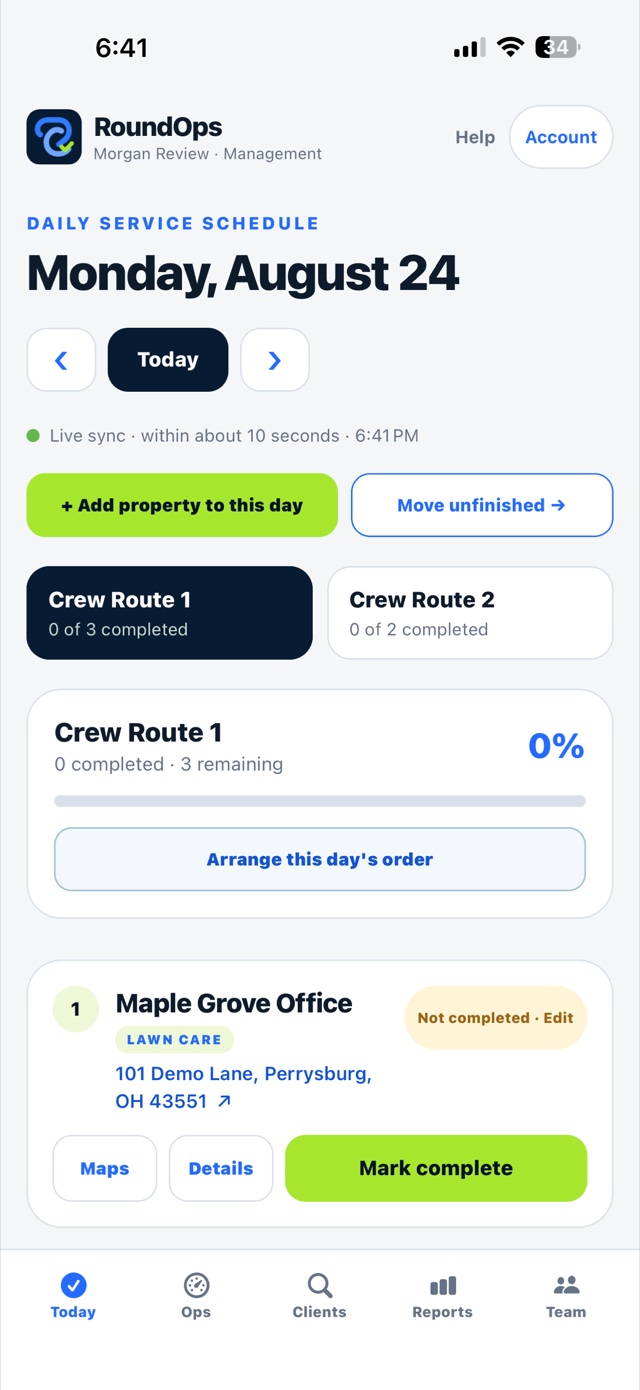
You put your properties in once. RoundOps decides which day and which crew each one belongs to, hands every crew a list in driving order, and keeps a time-stamped, photo-backed record of every visit. That's the whole job.
Import the list you already have, or add them as you go. Say how often each one gets serviced and how long it takes.
Every property lands on a day and a crew, in driving order from your shop, timed by real road driving — and it tells you when a day needs another crew.
Each crew opens its own list, taps the address for directions, and marks each stop complete with notes and photos. You see it happen.
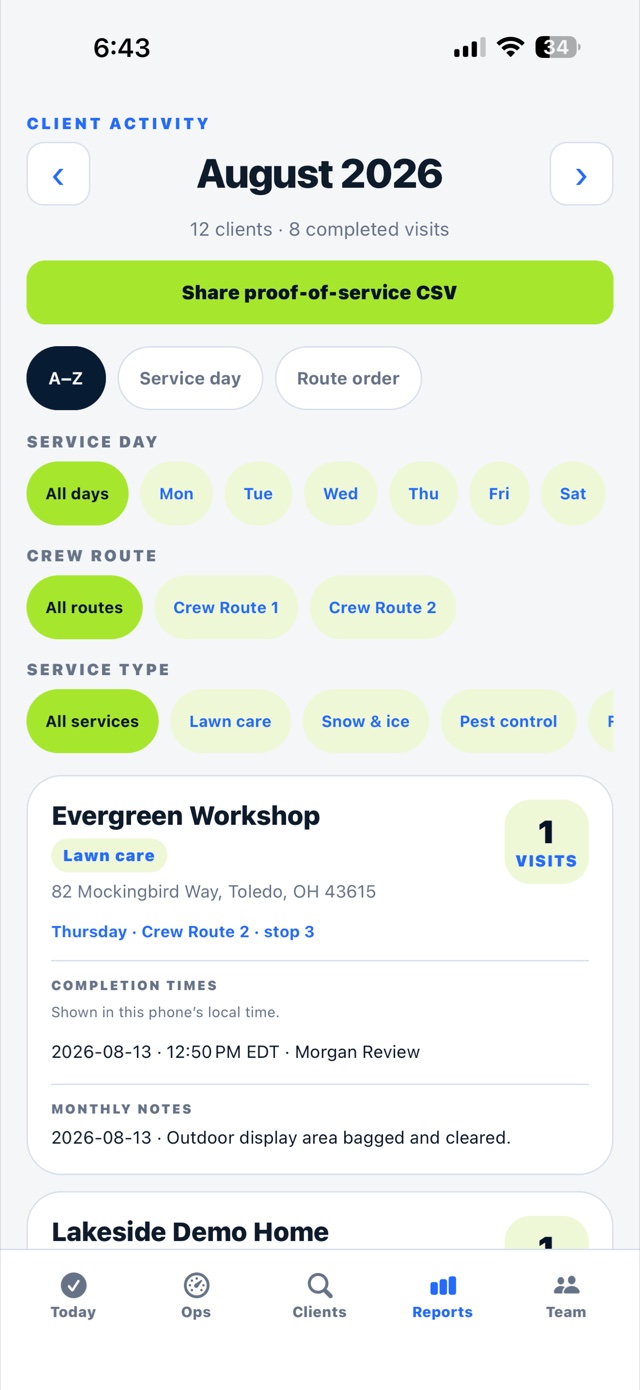
Who went, what time, what it looked like — per client, per month, shareable as a file when somebody asks.
Keep QuickBooks, or whatever you bill with. RoundOps takes the route off its plate and leaves the money side alone.
It started in lawn care, but the job is the same in every home-service trade: the same properties, on a schedule, in a truck.
Lawn care
Weekly and biweekly cuts, two crews, and a rain-day button that moves what's left.
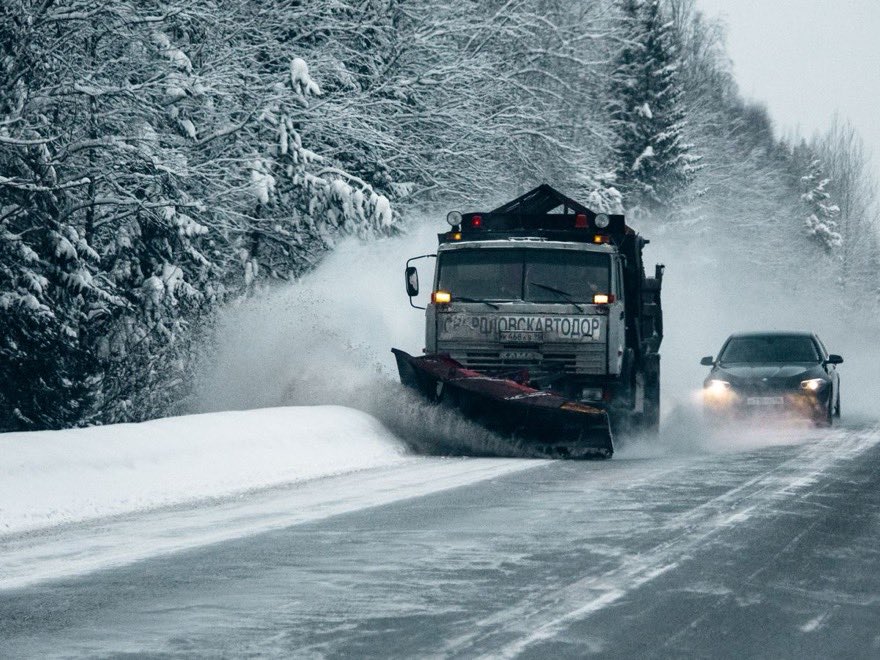 Snow & ice
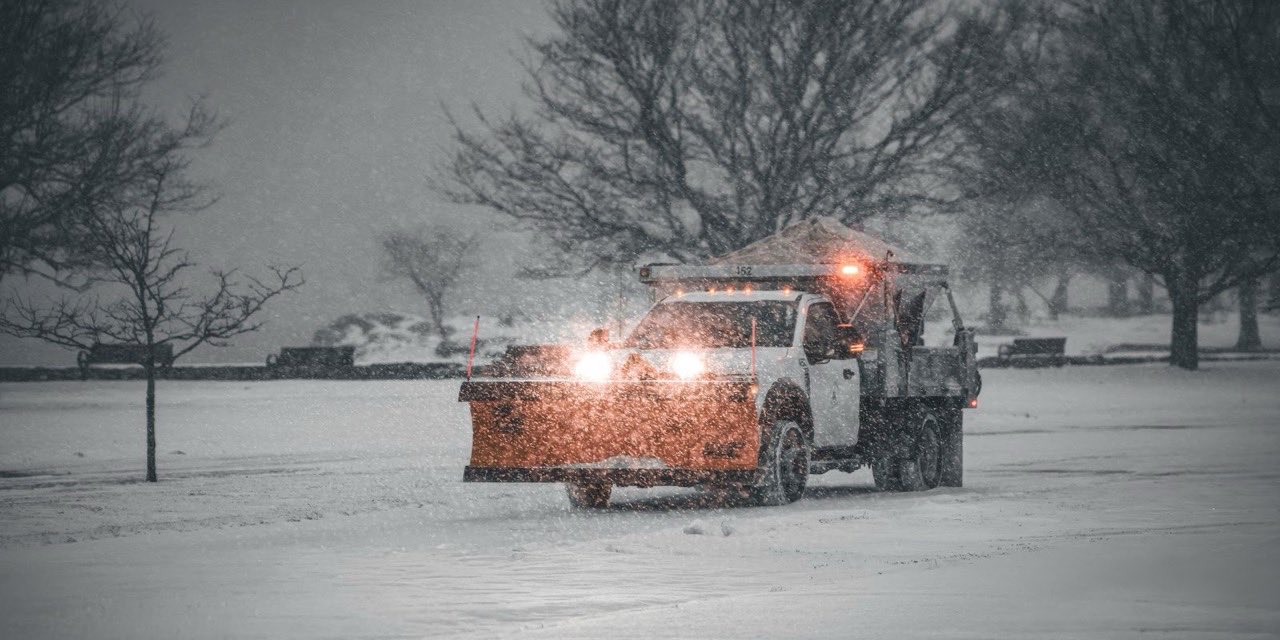
The same lots every storm, cleared and time-stamped for the property manager.
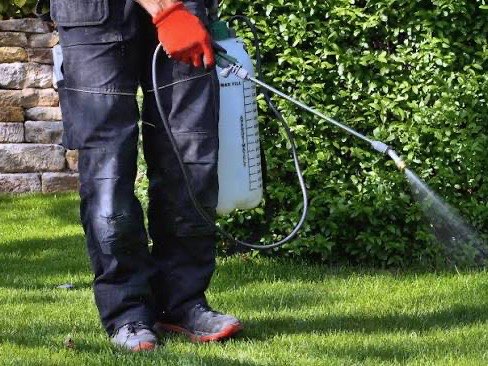 Pest control
Monthly and quarterly accounts, with gate codes and dog warnings on the stop.
 Pool service
A route per tech, chemical notes on the property, photos of the water you left.
A whiteboard can't reorder your week. A group text can't prove you were there. This does both, from the truck.
Enter the days you work, hours in a day, minutes per stop and your crews. RoundOps puts every property on a day and a crew in driving order from your shop, and tells you when a day needs another crew.
Each crew gets its own route page in driving order with the client name, a tappable address, property instructions, notes and photos. Tap Mark complete and the office sees it within seconds.
Every completion is stamped with the date, time and who did it. Crews add photos and notes at the stop. When a customer asks "did you even come?", the answer is one tap away.
Paste a list, or choose a spreadsheet, PDF or photo. Exports from Jobber, Yardbook, Service Autopilot and QuickBooks read as they are. You confirm what each column means, and clients already on your list are never doubled.
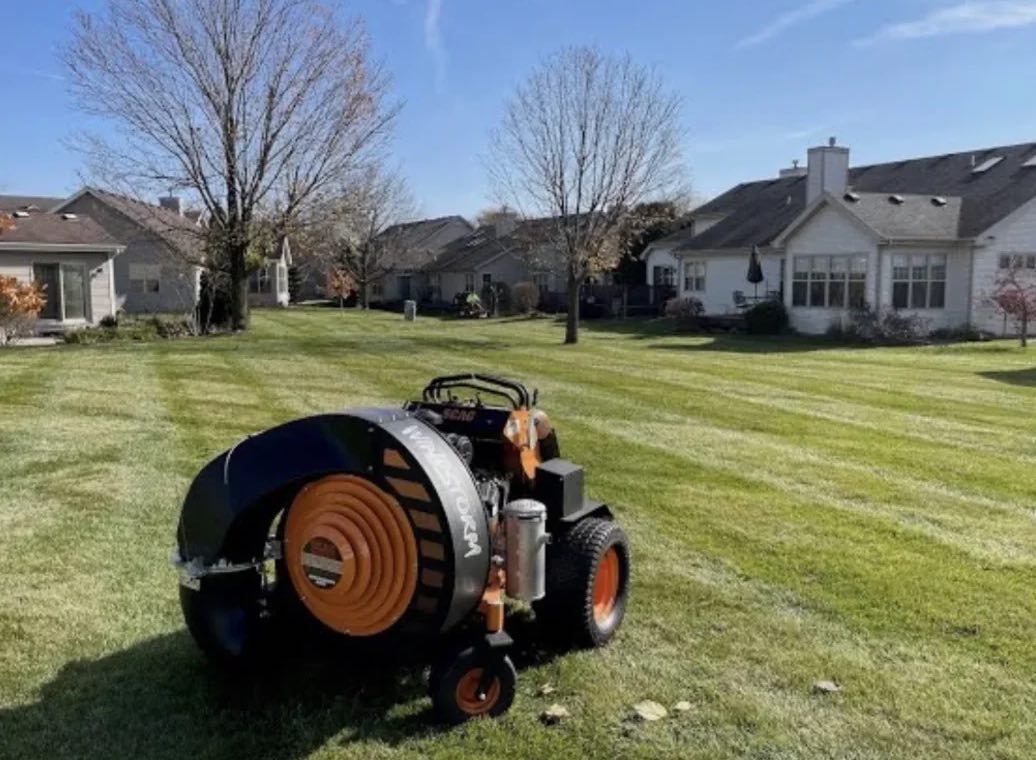
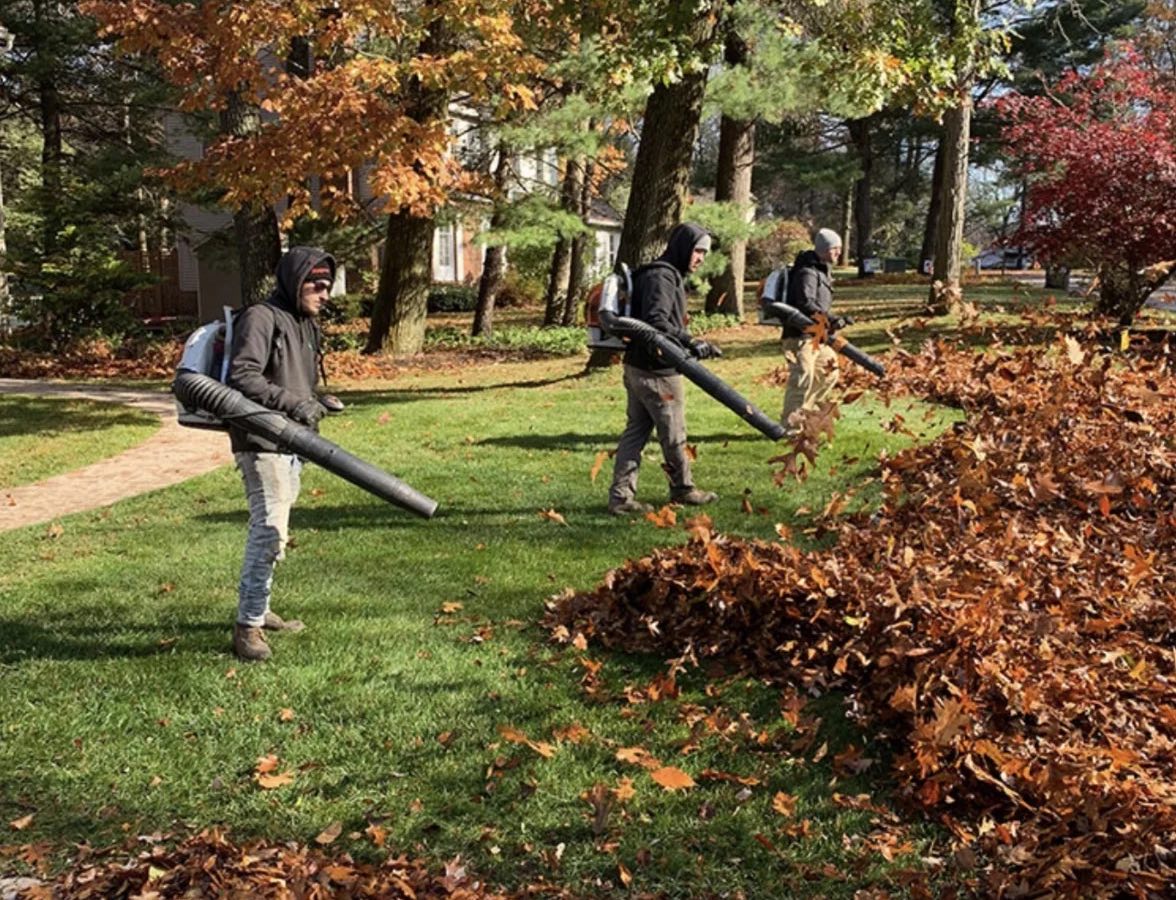
Trent Lincoln owns Terramorph, a landscaping company in Perrysburg, Ohio with about 20 people on the crews. He built RoundOps because the mowing crews needed one live schedule that survived rain days, new hires and an owner who is often out of town.
Terramorph runs its mowing routes on RoundOps every week. Every feature exists because a crew needed it, not because a sales team asked for it.
Read the story"If a crew can't run it from the truck with gloves on, it doesn't ship."
Trent Lincoln, owner of Terramorph and maker of RoundOps
Lawn care, snow and ice, pest control, fertilization, pool service, cleaning, inspections — any route that repeats. Weekly, every two weeks, every few weeks, or monthly.
No per-user math. The owner pays once a month and everyone on the crew joins free.
or $249 a year save $99
Billed through your Apple ID. Renews until you cancel.
No. $29 a month covers your whole company, with 15 people included. If you have more than 15 people, each additional person is $7 a month. Only the owner pays.
You subscribe from the Account screen through your Apple ID — $29 a month or $249 a year. Until you do, nothing is charged. If you don't subscribe, your company is paused: everything stays saved, and subscribing later brings it all back exactly as it was.
No. You invite them with a link or code and choose Crew or Management for each person. They open the link, and their phone stays signed in. You can remove a phone from the Team screen at any time.
Yes. Choose the file, or a photo or PDF of your list, confirm what each column means, review the rows, and add them. Exports from Jobber, Yardbook, Service Autopilot and QuickBooks read as they are. See how switching works.
No. RoundOps does not track where your crew is. It records when each stop was marked complete and by whom. The map's "you are here" dot stays on the phone and is never sent anywhere.
RoundOps is an iPhone app. Crew members with Android phones can use the same routes in their phone's web browser, and managers can use the web app on a computer.
Open your company in the app, bring in your list, and have the week planned before Monday.

7-day free trial · $29/month for the whole company · No payment needed to start
Questions first? Email Trent — you get the person who built it.